What Are the Signs of an Unsafe Power Point?
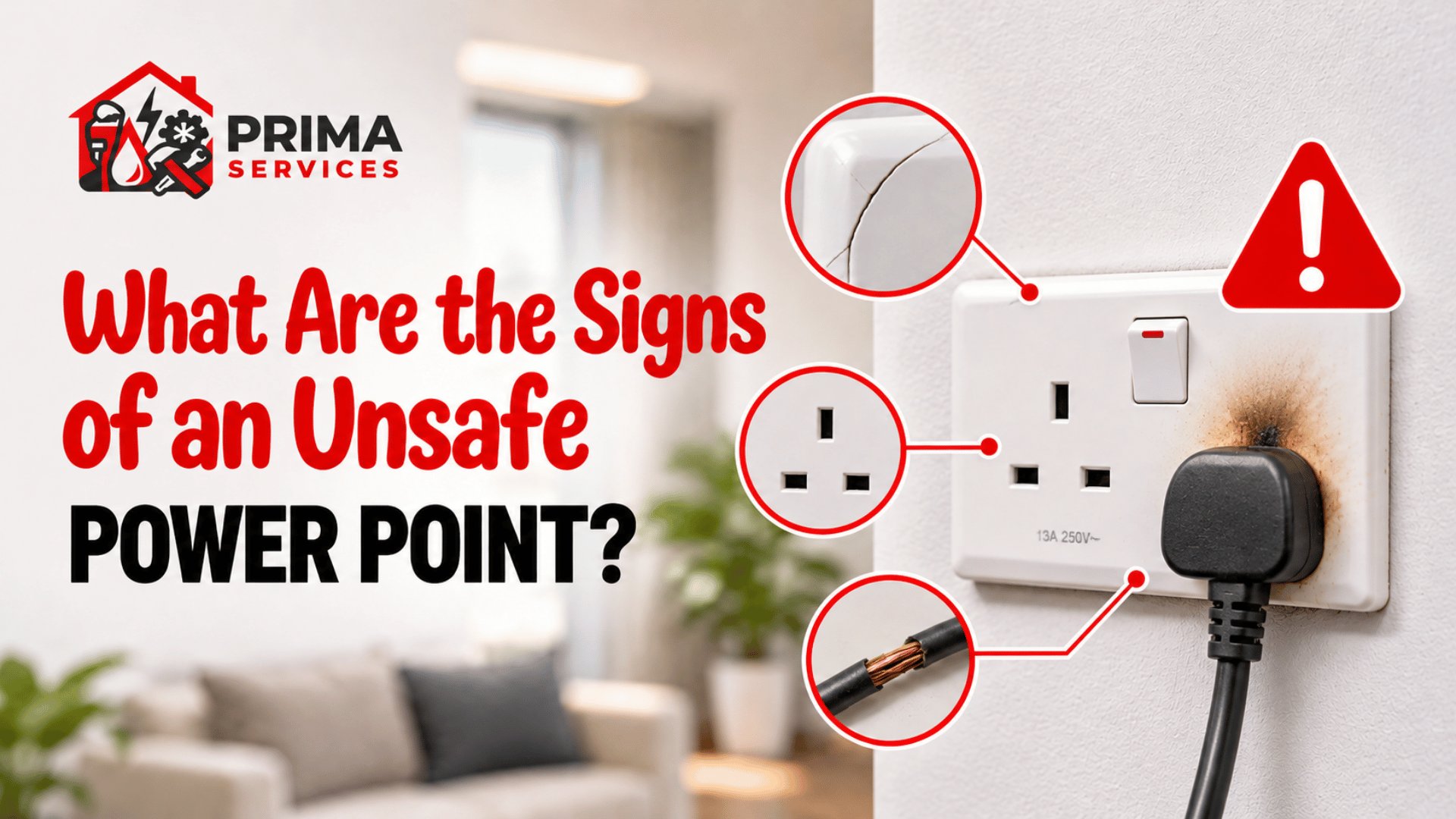
Power points are used every day to operate household appliances, charge devices and power essential electrical equipment. However, a damaged or faulty power point can create serious electrical hazards if ignored.
Problems such as loose fittings, unusual heat, burning smells, buzzing sounds or visible sparks may indicate an underlying electrical issue. Continuing to use a faulty power point can increase the risk of electric shock, electrical fires and damage to connected appliances.
Recognising these warning signs early helps protect your home and everyone in it. Here are seven signs that your power point may be unsafe and needs professional attention.
1. The Power Point Feels Unusually Hot
A power point may become slightly warm when supplying power to certain appliances. However, excessive heat is not normal and should never be ignored.
What Causes a Power Point to Overheat?
Common causes include:
Loose electrical connections
Damaged internal wiring
Overloaded power points
Worn-out electrical components
Poor electrical installation
When electrical connections become loose or damaged, they can create resistance and generate excessive heat.
What Should You Do?
Stop using the affected power point immediately. If it is safe to do so, switch off the relevant circuit at the electrical distribution board. Do not touch a visibly damaged or excessively hot socket.
Arrange a professional inspection to identify the cause before using it again.
2. You Notice Sparks When Plugging In Appliances
Small, brief sparks can sometimes occur when plugging in certain appliances. However, repeated, large or unusual sparks can indicate an electrical problem.
Possible Reasons for Sparking
Sparking may occur due to:
Damaged socket contacts
Loose internal connections
Worn-out power point components
Faulty plugs or appliances
Electrical short circuits
When Should You Be Concerned?
Pay attention if you notice repeated sparks, loud popping sounds, visible scorch marks or sparks accompanied by a burning smell.
Stop using the power point and arrange an inspection by a qualified electrical professional. Never attempt to repair the socket yourself.
3. There Is a Burning Smell Near the Socket
A burning plastic or electrical smell near a power point is a serious warning sign.
It may indicate overheating wires, melting insulation or damaged internal electrical components.
Signs to Look For
Check for these visible warning signs:
Brown or black marks around the socket
Melted or discoloured plastic
Smoke coming from the power point
A persistent burning smell
Why Should You Act Immediately?
Overheating electrical components can potentially lead to an electrical fire.
Stop using the affected socket. If you notice smoke or fire, move away and contact emergency services. Do not attempt to remove the socket or investigate the wiring yourself.
4. The Power Point Makes Buzzing or Crackling Sounds
Power points should not produce continuous buzzing, crackling or popping sounds during normal operation.
Unusual sounds may indicate loose electrical connections, damaged wiring or faulty socket components.
What Could Be Causing the Noise?
Some common causes include:
Loose wiring connections
Damaged internal contacts
Electrical arcing
Worn-out socket mechanisms
What Should You Do?
Do not ignore repeated electrical noises, even if the power point continues to work.
Stop using the affected socket and arrange a professional electrical inspection. Identifying the issue early can help prevent further damage.
5. The Plug Does Not Fit Securely
A properly functioning power point should hold the plug securely. If the plug feels loose, falls out easily or does not make proper contact, the socket may be worn or damaged.
Why Is a Loose Socket Dangerous?
A loose connection can cause intermittent power supply, overheating and electrical arcing.
Repeatedly adjusting the plug to maintain power does not solve the underlying problem.
When Should You Replace It?
If the plug does not stay securely in place, stop using the socket and have it inspected. A qualified professional can determine whether the socket needs replacement or whether there is an internal wiring issue.
6. The Power Point Has Cracks or Physical Damage
Physical damage to a power point can expose internal electrical components and create a risk of electric shock.
Even small cracks should be checked, particularly if the socket has been damaged by impact, moisture or general wear and tear.
Common Signs of Physical Damage
Look for:
Cracked or broken socket covers
Loose or detached faceplates
Exposed internal components
Discolouration around the socket
Signs of moisture or water damage
Why Is Professional Repair Important?
Damaged power points should not be covered with tape or repaired using temporary fixes.
A qualified electrician can inspect the socket, check the internal connections and determine whether replacement is necessary.
7. The Power Point Works Intermittently
Does your appliance switch off unexpectedly or receive power only when you adjust the plug?
This could indicate an issue with the power point, electrical connections or the connected appliance.
What Causes Intermittent Power Supply?
Possible reasons include:
Loose internal wiring
Damaged socket contacts
Faulty electrical connections
A defective plug or appliance
Problems with the electrical circuit
How Should You Handle It?
Avoid repeatedly plugging and unplugging the appliance to restore power.
The issue should be inspected to determine whether the fault is with the socket, appliance or electrical circuit. Professional diagnosis helps prevent repeated problems and potential safety hazards.
What Should You Do If You Notice These Warning Signs?
Electrical problems should not be treated as minor household inconveniences. Taking the right precautions can help prevent further damage and protect your property.
Follow these safety steps:
Stop using the affected power point immediately.
Do not touch exposed wires, damaged sockets or sparking components.
Switch off the relevant circuit at the distribution board if it is safe to do so.
Keep children and others away from the affected area.
Contact a qualified electrical professional for inspection and repair.
Avoid attempting DIY electrical repairs. Electrical work should be handled by an appropriately qualified professional.
Conclusion: Keep Your Home's Electrical System Safe with Prima Services
A faulty power point can become a serious safety concern when warning signs are ignored. Unusual heat, sparks, burning smells, buzzing sounds and loose fittings should always be checked before the problem gets worse.
Regular electrical inspections and timely repairs help maintain a safer home environment.
Prima Services provides professional electrical services in Singapore, helping homeowners address electrical faults and essential maintenance requirements. Our experienced technicians focus on reliable repairs, proper safety procedures and quality workmanship.
Whether you need a power point inspection, electrical repair or general Aircon and Plumbing services, our team is available 24/7 to assist.
Contact Prima Services for reliable electrical support.
Share this article
Related Articles
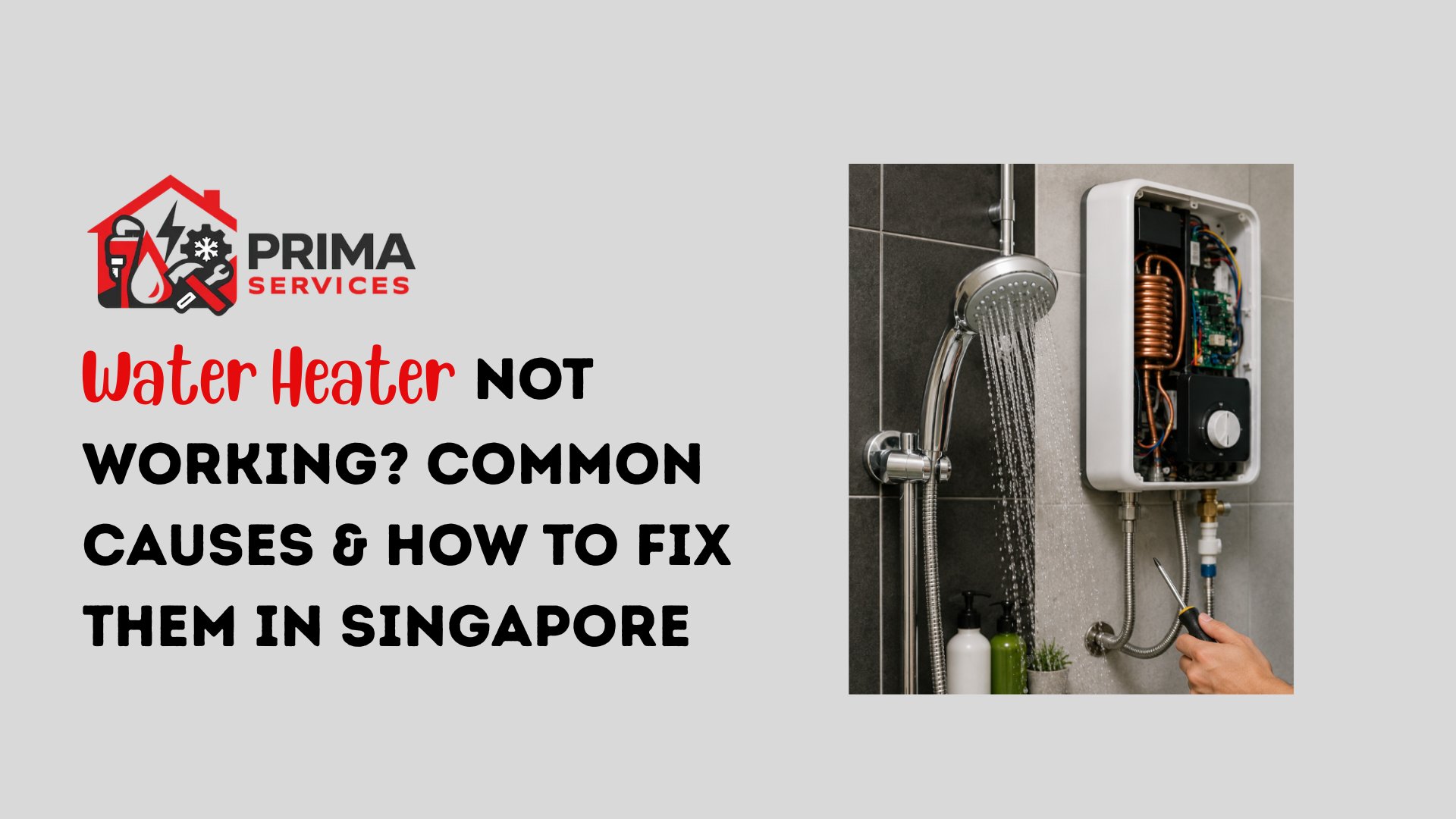
Water Heater Not Working? Common Causes & How to Fix Them in Singapore
Few household problems are as frustrating as stepping into the shower and discovering there’s no hot water. Whether you live in an HDB flat, condo, or landed pr...
When to Call an Electrician in Singapore: Wiring, Power Trips & Lighting Issues
Why Electrical Problems Should Never Be IgnoredIt's 11pm and the power in your living room suddenly trips. You reset the circuit breaker, only for it to trip ag...
Why Does My Power Keep Tripping? HDB & Condo Guide
Power trips are one of the most common electrical issues faced by homeowners in Singapore. If your electricity keeps switching off unexpectedly, it’s usually a ...